Posted on Mar 21, 2012 | 0 comments

It’s official! Photoshop CS6 Public Beta has been announced and can now be downloaded! (Here’s a link to download the beta software.) Below are some of the features I’ve noticed as standing out and thought I’d share with my readers:
New Look and Feel: The interface for CS6 got a much needed update. No longer do you need to be stuck with just one light-gray theme—the interface can be darkened with four different settings ranging from the same light-gray you had in CS5, all the way to a deep, dark, near-black-gray.
Panel Updates: A few notable updates to the panels are in the Layers panel and the brand-new Properties panel:
- In the Layers panel you are now able to sort your layers by kind, name, effect, blending mode, attribute or layer color. This is a very useful addition to the software and will be extremely helpful for photographers who do composite work and also for designers who have several layers in one document.
- The new Properties panel shows information about your layer, specifically for adjustment layers and masks (it has replaced the mask panel, and the adjustment panel no longer changes when you add a new adjustment).
Video Editing: Adobe made a really great move with this one—you no longer need to have Photoshop Extended to view, edit and export videos! There are some enhancements to the timeline, but overall they just made the entire video-editing process much more approachable.
Lighting Effects: As an NAPP Help Desk Specialist, one question I get all the time is “what happened to the Lighting Effects filter?” The answer was always that it’s there, you just have to switch Photoshop over to 32-bit to use it. Now, in CS6, they’ve updated it to work in 64-bit and also gave it some updates.
Content-Aware Move: This is one of my favorite new features in this suite. It’s like the “patch tool meets content aware” (but better … since they also added the content-aware patch tool, lol). :) I’ve had a lot of fun playing around with this and have even found it useful in my images.
Adaptive Wide-Angle: The new wide-angle corrections go beyond the existing lens-correction filter. With this new filter you are able to correct the “bulbousness” you can get with a wide-angle lens by telling the program what areas you want to have straight lines … and then it does the rest of the work for you.
Blur Gallery: This filter allows you to add specific locations of focus, while pushing the rest of the image out of focus to simulate shallow DOF. It’s a good start, but onOne Software’s Focal Point still does an amazing job and I’ll be sticking with them when I want to add a tilt-shift look (or any software-created shallow DOF look) to my images. In other words, don’t upgrade for only this feature (buy onOne Software’s FocalPoint instead!) :)
I have several “Two Minute Tip” videos on many of the features I listed above on the way, so stay tuned and watch the blog!
Posted on Mar 12, 2012 | 16 comments
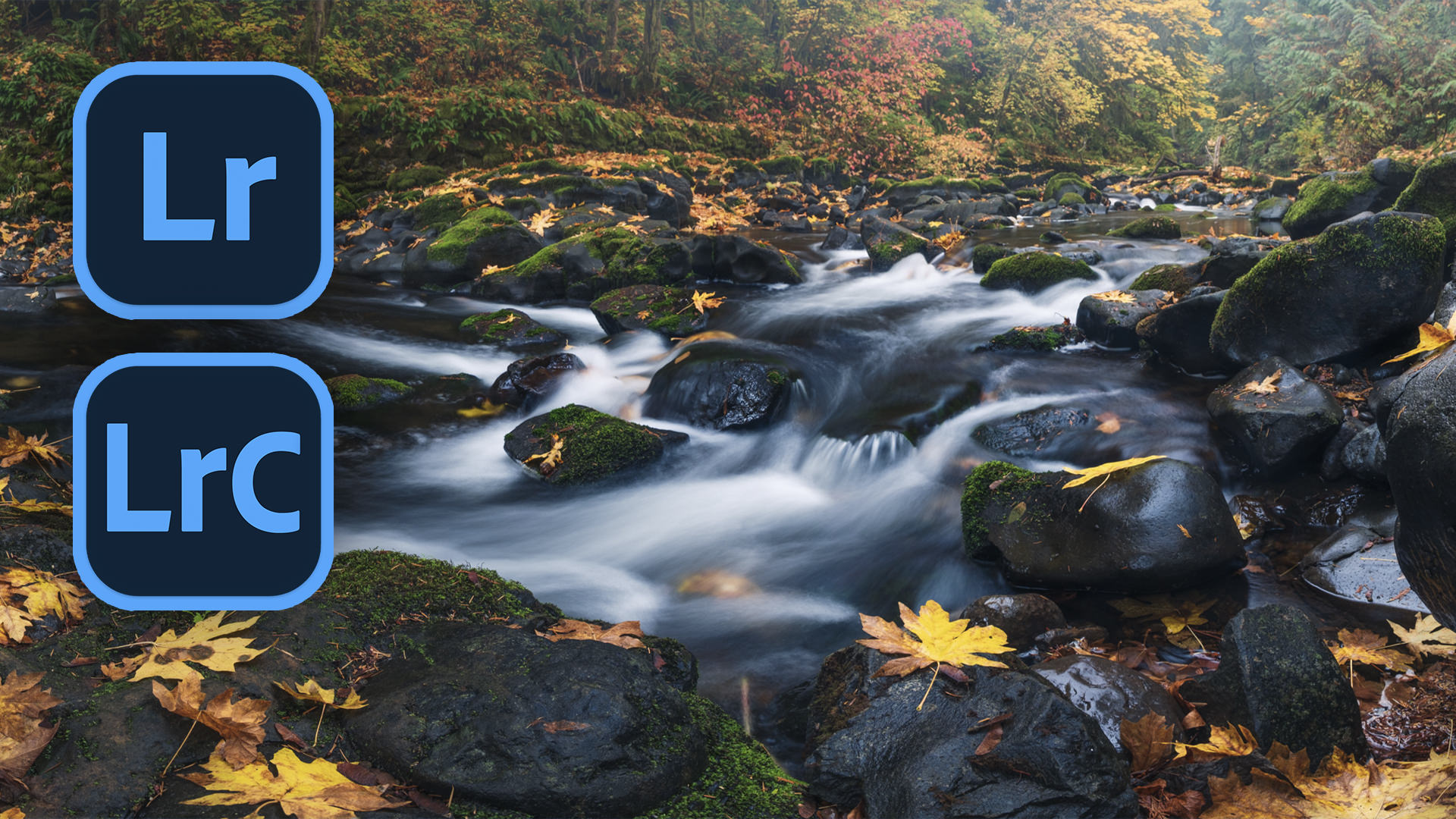
Canon 5D Mark II, Canon 70-200mm ƒ/4L IS lens, ƒ/5.6 at 1/640 sec, ISO 100
Time has a way of slipping by, don’t you think? As much as we want to live in the “now” and feel the breeze of our future slowly open our eyes to what’s in store for us, we’re always looking in the past. I’m in my early thirties, which means I’m starting to feel old. But I bet those of you who have a few decades on me are thinking what I’ll be thinking in twenty years … I’m still young. But that’s the thing with young people: we don’t realize how young we are until we are old. I have so much life ahead of me, yet it’s difficult to keep my mind from looking back to what I used to have—good or bad—to focus on what I have right in front of me.
As a photographer I’m really trying to take this to heart. I’ve been fascinated with photography since I was in High School, yet it wasn’t until around 2005 that I started taking things seriously. But, as with many things, we start slowly and grow better as time passes. I got started in microstock and focused on photographing people, all while living on Oahu, Hawaii. I look back on that time and wish I had just the smallest bit of interest in photographing landscapes and timelapse. Sometimes it feels like it was such a waste that I really didn’t venture out to do any of that when all of that beauty surrounded me. I just couldn’t see the opportunities I was missing out on. I didn’t know how beautiful it was until I left.
The same goes for the few years I spent in Monterey, California. Again, my focus was on photographing people (which isn’t bad, since it’s still paying my bills), yet there was so much beauty I could have captured. One day I’ll go back with my greatly updated knowledge and passion for photography to create the beauty I somewhat neglected in my previous stay. And now, in my new home of Seattle, I really need to take this to heart and get out of my apartment and shoot. There is so much beauty here … some of it right outside of my doorstep, and the rest just a one or two-hour drive. I won’t live here forever, and now that I realize this I have even more reason to get out and shoot.
The same can be said for other things, like family and friends. Do you have portraits of your parents? Good portraits? How about your Grandparents? Or even just a cherished family pet? My mother’s very old, and very loved cat passed away a few months ago and the first thing my dad asked me was “do you have a photo of Oscar?”. I was just a kid when he was a kitten, so the most I had available was some out of focus crappy “I just started shooting with an SLR” film photos, since I never really bothered to photograph him when I actually knew what I was doing.
I guess the lesson, and call-to-action, is this: Time is all we have, so don’t let it pass you by without doing something about it. Cherish each moment. Go out and photograph that beautiful sunset instead of sitting inside watching TV. Heck, I’m as guilty as anyone—I can definitely be a happy homebody, but when I’m out creating things with my camera it is so invigorating. Open your eyes, look around you and take inventory. You won’t always have the things you see right now, so make them count.
Posted on Mar 10, 2012 | 2 comments

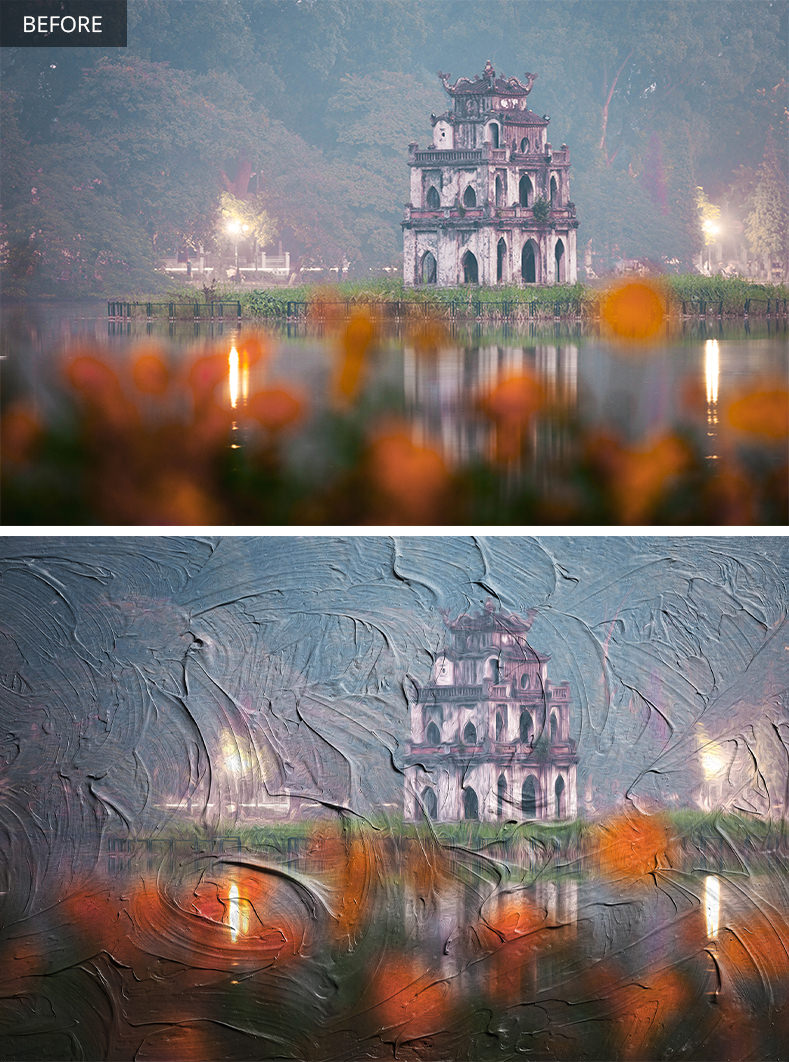
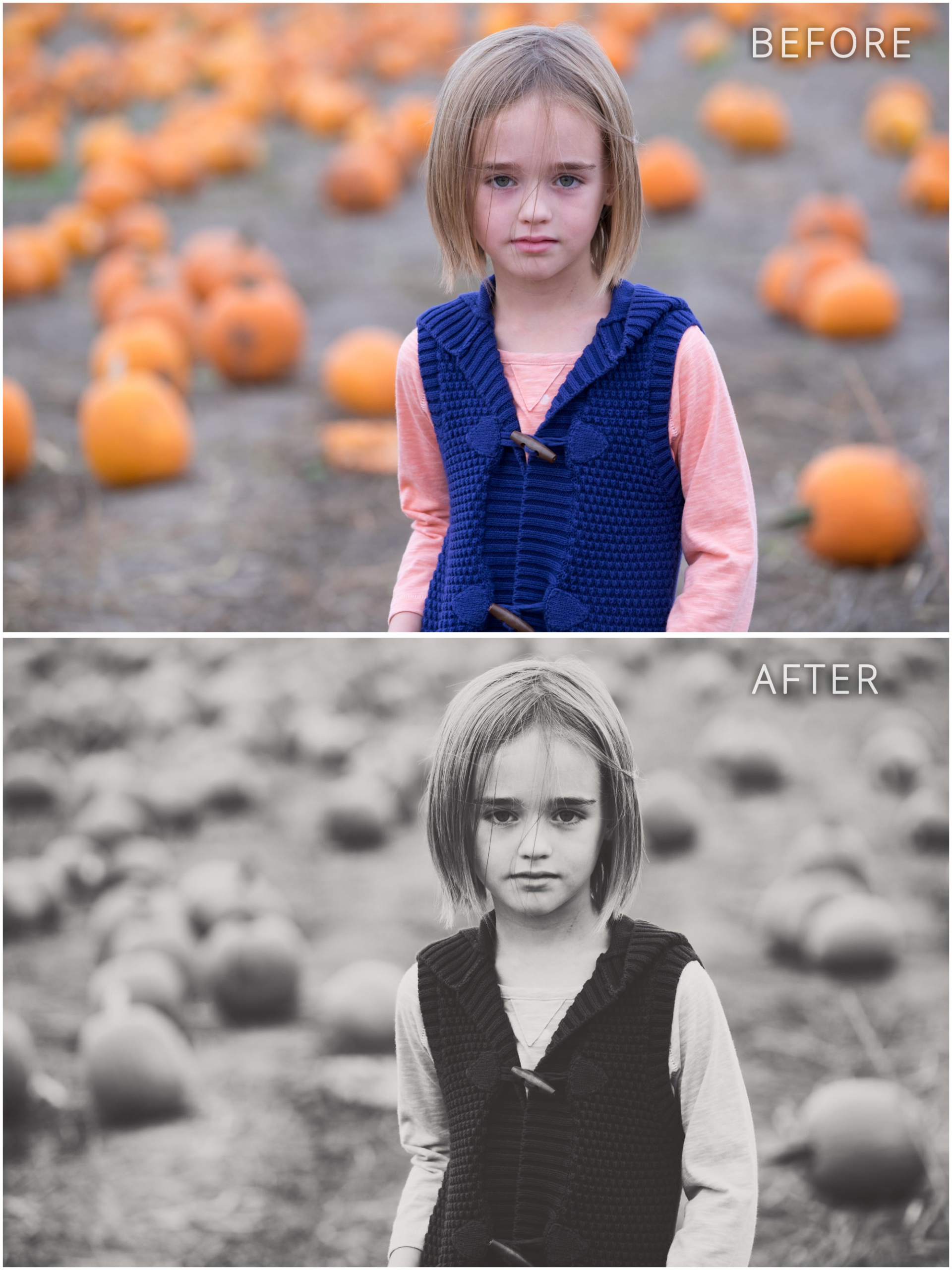
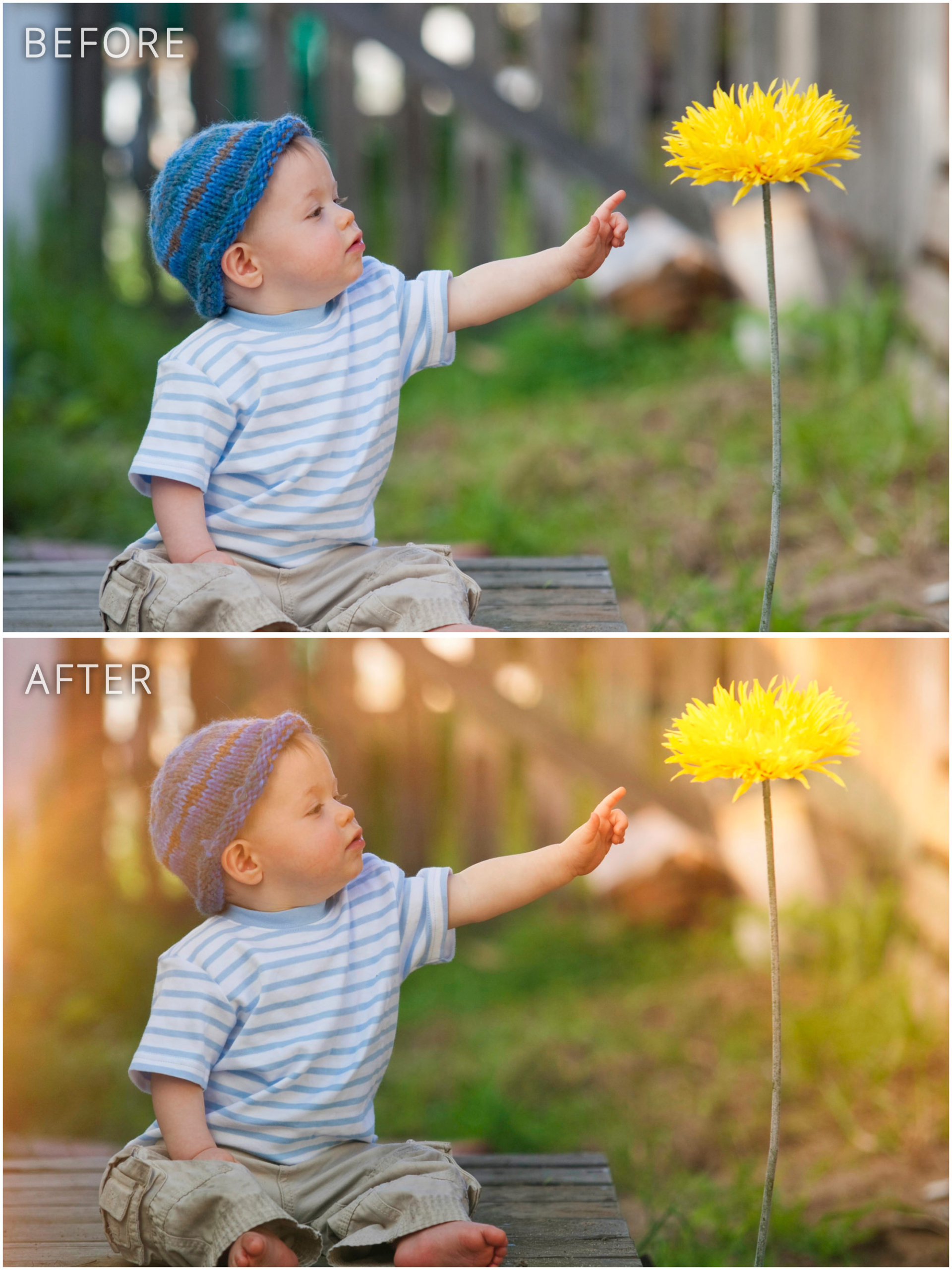
Nicolesy’s “Aged B&W Print” preset. (Click on images to view larger.)
If you’re a Lightroom user you probably already know that Lightroom 4 was released this past week. To celebrate, I’ve created some preset packs, which are available at the onOne Marketplace, specifically designed for the new processing sliders inside of Lightroom 4. They’re packs of ten: I created a B&W Preset Pack and a Film Preset Pack and are $9.95 for each pack. Also, if you use onOne Perfect Effects, I have at least one preset pack available as well specifically for that software (with more on the way!). Here’s a link to all of the presets available for purchase at the onOne Marketplace.
In addition to the presets available over at onOne, I’ve also created a special free preset just for my readers to download called Nicolesy’s Aged B&W Print! Click on the photos above to view the before and after. It’s a very bright, soft mix with sepia tones and white rounded corners. Once downloaded, if you need help installing it I’ve included instructions below.
How to install a Lightroom Preset:
- First, download your preset and unzip/extract the file.
- Next, in Lightroom, go to the Develop module.
- In the “Presets” panel on the left, select or create a folder where you’d like to place your new preset.
- Right-click on the folder and select “Import…”.
- Navigate to the new preset and click the IMPORT button.
BTW, if you’re interested in any of the onOne software products you can use the discount code NICOLESY for 10% off of the software. :)
Posted on Feb 29, 2012 | 2 comments
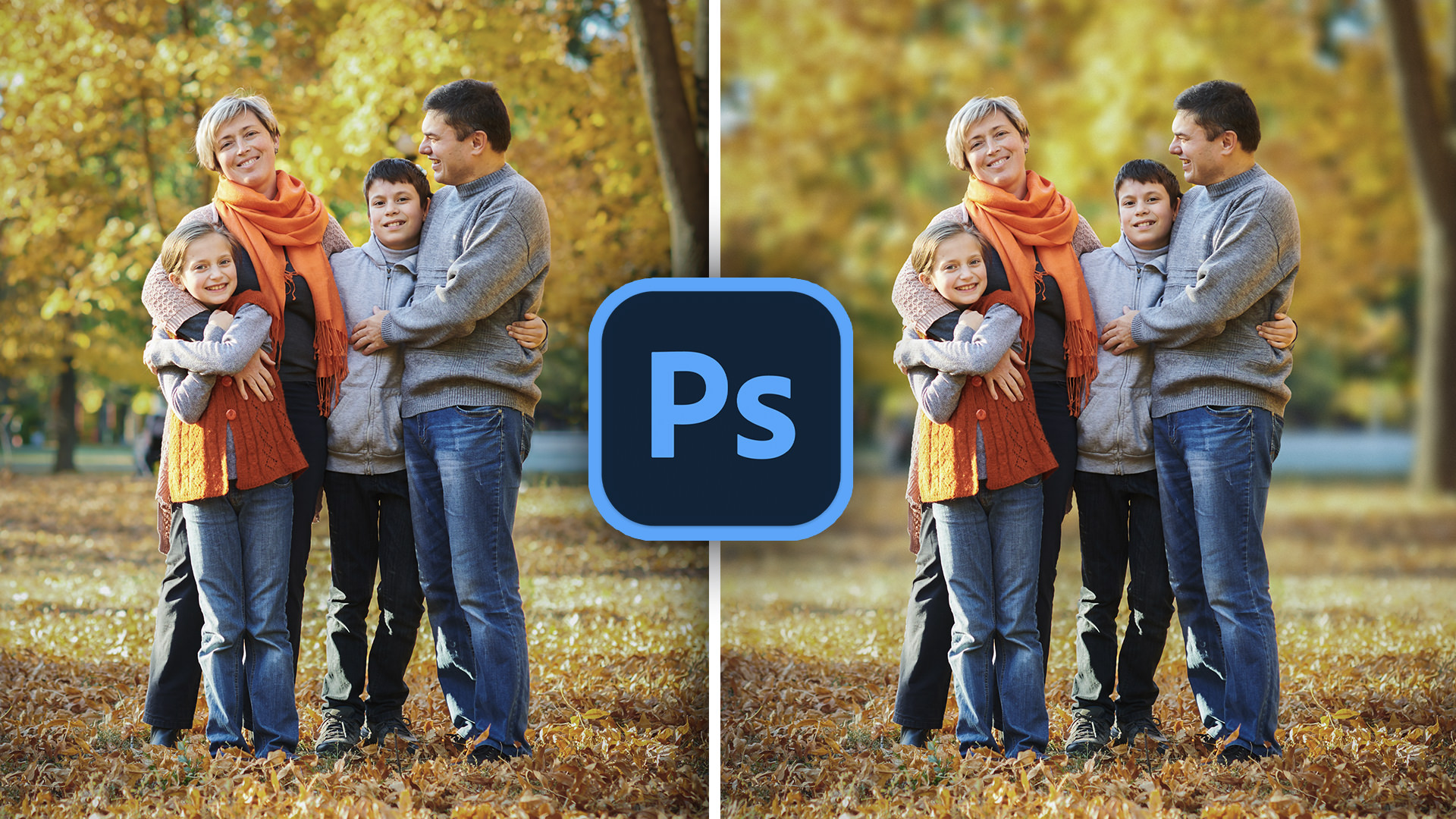
In this video I demonstrate how to add rounded corners to a photograph using Adobe Photoshop
Click here to view this video on YouTube.
Posted on Feb 20, 2012 | 13 comments

As I write this I’m sitting in the airport on my way to do some work for onOne Software at a Kelby Training event happening over the next few days in both Dallas and Phoenix. Since I’m only away for a couple of nights it meant I will need no more than a small carry-on and a back-pack to haul my laptop and miscellaneous gear. Two bags, that’s it. I’ll have no time for photography, so I didn’t bring a camera (well, I do have my iPhone). Feels … nice … to be traveling so light.
My typical MO when doing any type of travel means carrying my “normal” luggage, plus at least one bag filled with camera gear. That usually consists of my Pelican case plus a ThinkTank messenger bag (the Retrospective 10, here’s the product on Amazon) I use for carry-on stuff like my wallet, Kindle, etc. That camera gear alone equals the amount of luggage I’m traveling with right now, so add to that a suitcase and backpack for my laptop … well, it ends up being a lot to travel with.
The more I travel the more I learn what camera gear I can live without. I photographed the image in this post while I was in Vietnam with my Canon 5DMkII and Canon 70-200mm lens, a camera/lens combination I ended up using for over 90% of the still photographs I took during my trip. That will always be in my bag, and I could probably even get away with traveling with just that setup for most photography trips. However, knowing what to bring can still be tough—when you don’t know what you’ll be encountering on your travels or the types of opportunities you’ll have you tend to want to bring it all. And when you do other types of photography like I do, such as timelapse, then an additional camera body and at least on wide-angle lens is required (plus a tripod). It never ends.
My attitude towards camera gear is akin to a love-hate relationship. I need gear to do my work, and I need different lenses and camera bodies depending on what I’ll be photographing. Yet I hate hauling it around, especially when I’m traveling overseas or on vacation. I hate being the person who looks like I overpacked when the majority of the luggage I have is camera-related.
I wish I could travel light wherever I went, just like I am right now, which is probably why I’m always trying out new bags for my gear and luggage. I’m trying to make my life much more “minimalistic” and the fact that I’m a photographer doesn’t really help. It’s a constant struggle, trying to find that balance with what you think you’ll need versus how much you want to bog you down.
I’m finding that in my life I can live with so much less than I used to think I needed, and I’m trying to integrate this thought-path in my career as a photographer as well … it’s not really an issue of “less stuff” as it is with having “just enough” stuff. Camera companies and photography stores will tell us over and over that we “need” to have the next big thing, or another lens, or another accessory. Is there ever a point when it ends, when we have all we’ll ever need?
Okay, ramblings over. Time to board my flight :)