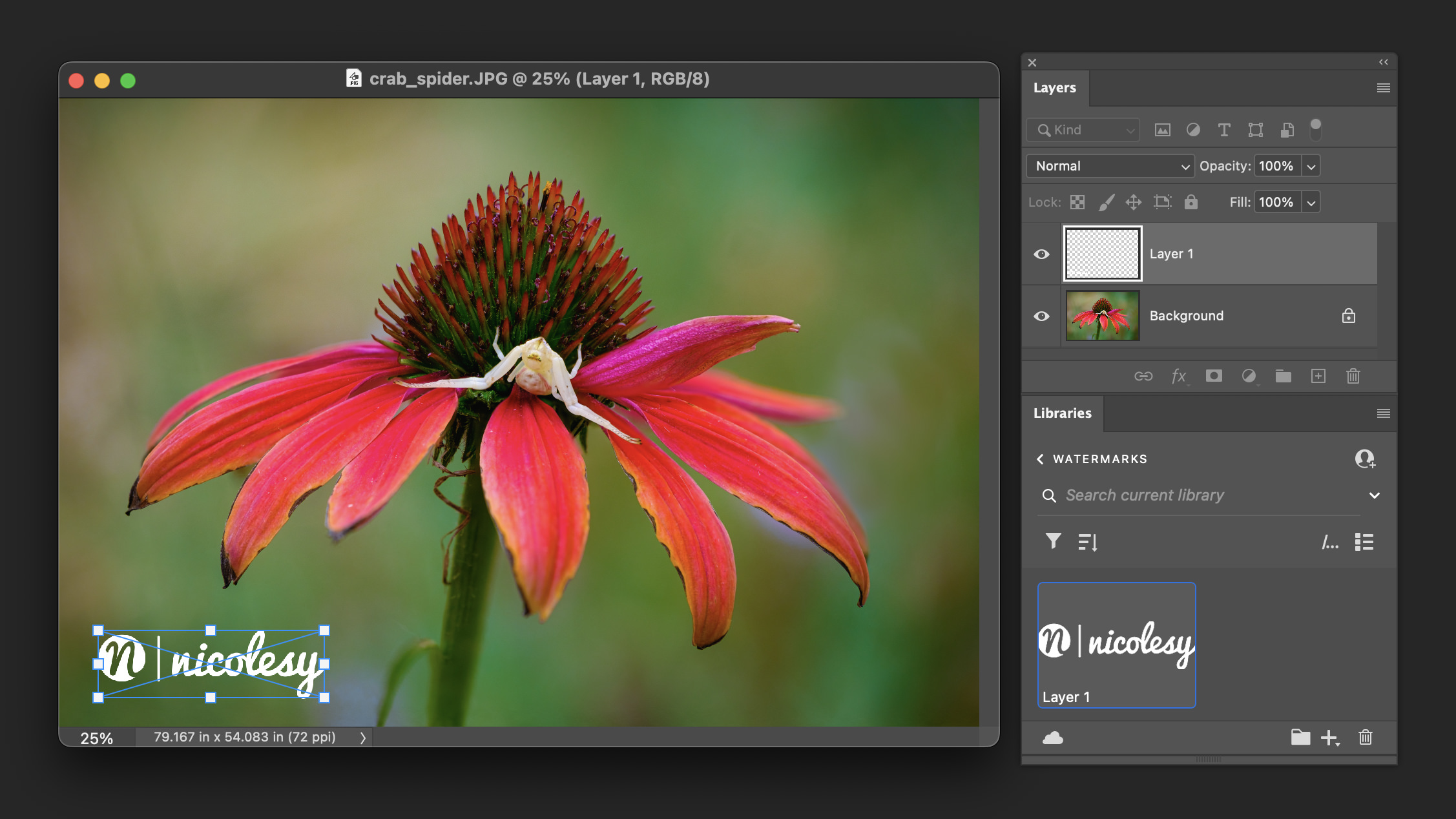
How to add a watermark in Adobe Photoshop
Adding a watermark to your photos can serve many purposes. It can help protect your images from unauthorized use, promote your brand, or even serve as a visual signature that establishes [...]

Adding a watermark to your photos can serve many purposes. It can help protect your images from unauthorized use, promote your brand, or even serve as a visual signature that establishes [...]
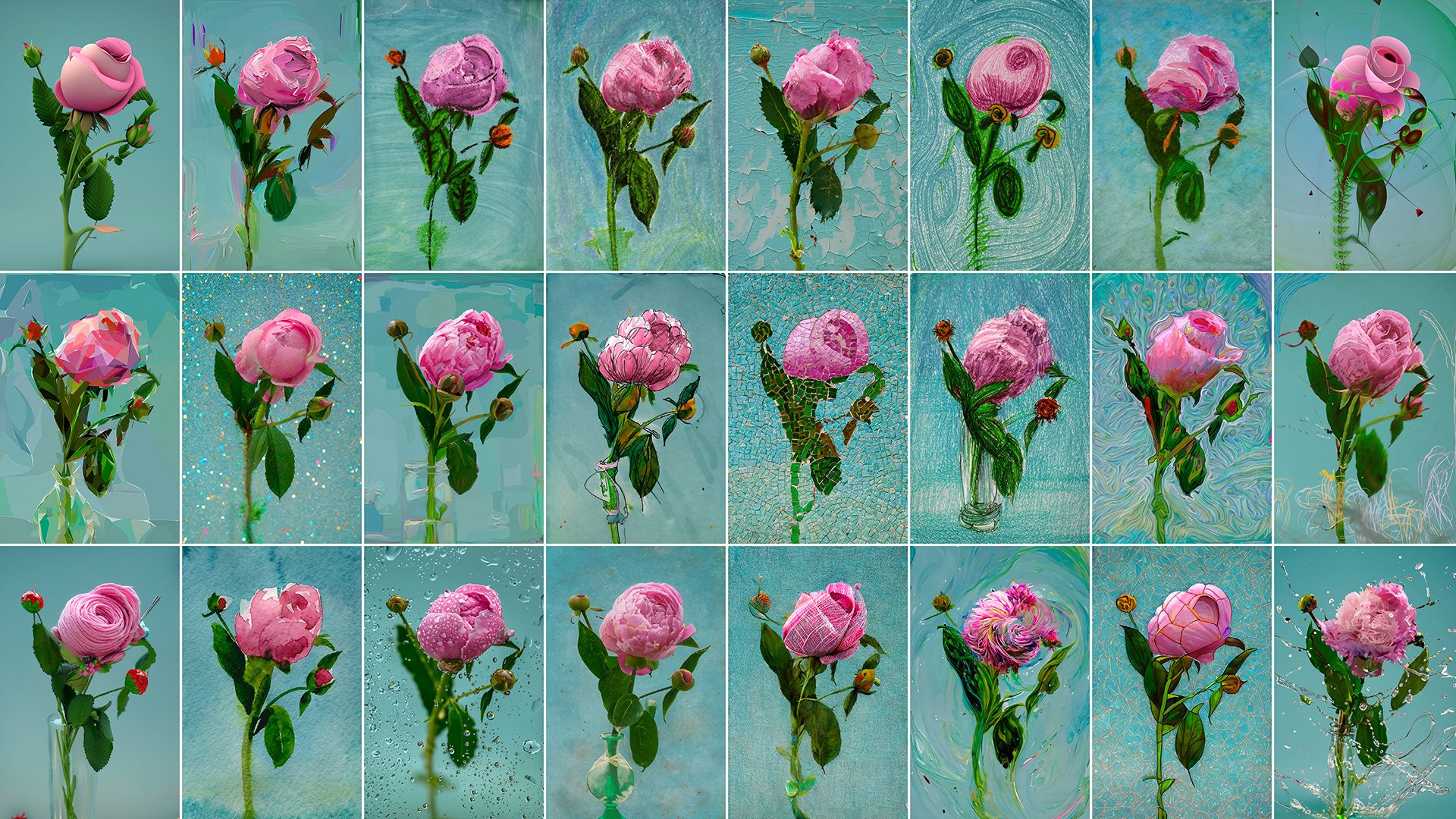
Adobe Photoshop has always been the go-to software for photo editing and graphic design. But with the introduction of Generative Fill AI, Photoshop has taken a giant leap forward. This feature [...]
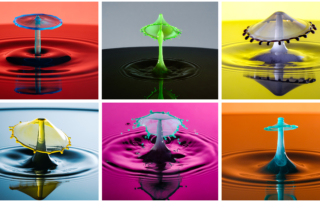
If you’ve wanted to create your own photo grid collages, Photoshop is a great tool to use. Using guides, you can quickly set up perfectly-even grid shapes by setting up the [...]
The intersect feature in Lightroom and Lightroom Classic allows you to combine two or more masks, and wherever they overlap is the area your mask is created. It's a very useful [...]
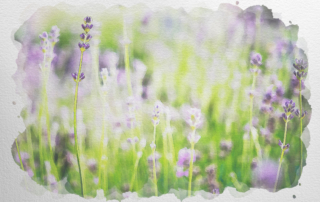
Watercolor is one of my favorite non-photography art mediums. It has texture, and blended colors, and it's overall it's just a beautiful form of art. And the best part is, it's [...]
Adjustment layers in Photoshop allow you to add image adjustments to your photos while keeping the photo edited non-destructively. They allow you more flexibility with editing your photos when compared with [...]

Layers and masks are two of the basic fundamentals to understand if you want to have a good working knowledge of Photoshop CC. Understanding how to work with layers to stack, [...]

Nicoles S. Young is a photographer and entrepreneur who teaches photography and post-processing full-time here on her website and also throughout the photography industry.
Go here to read more.
Menu
© 2005 – 2024 Nicolesy, Inc | Terms of Service | Refund Policy | Privacy Policy