
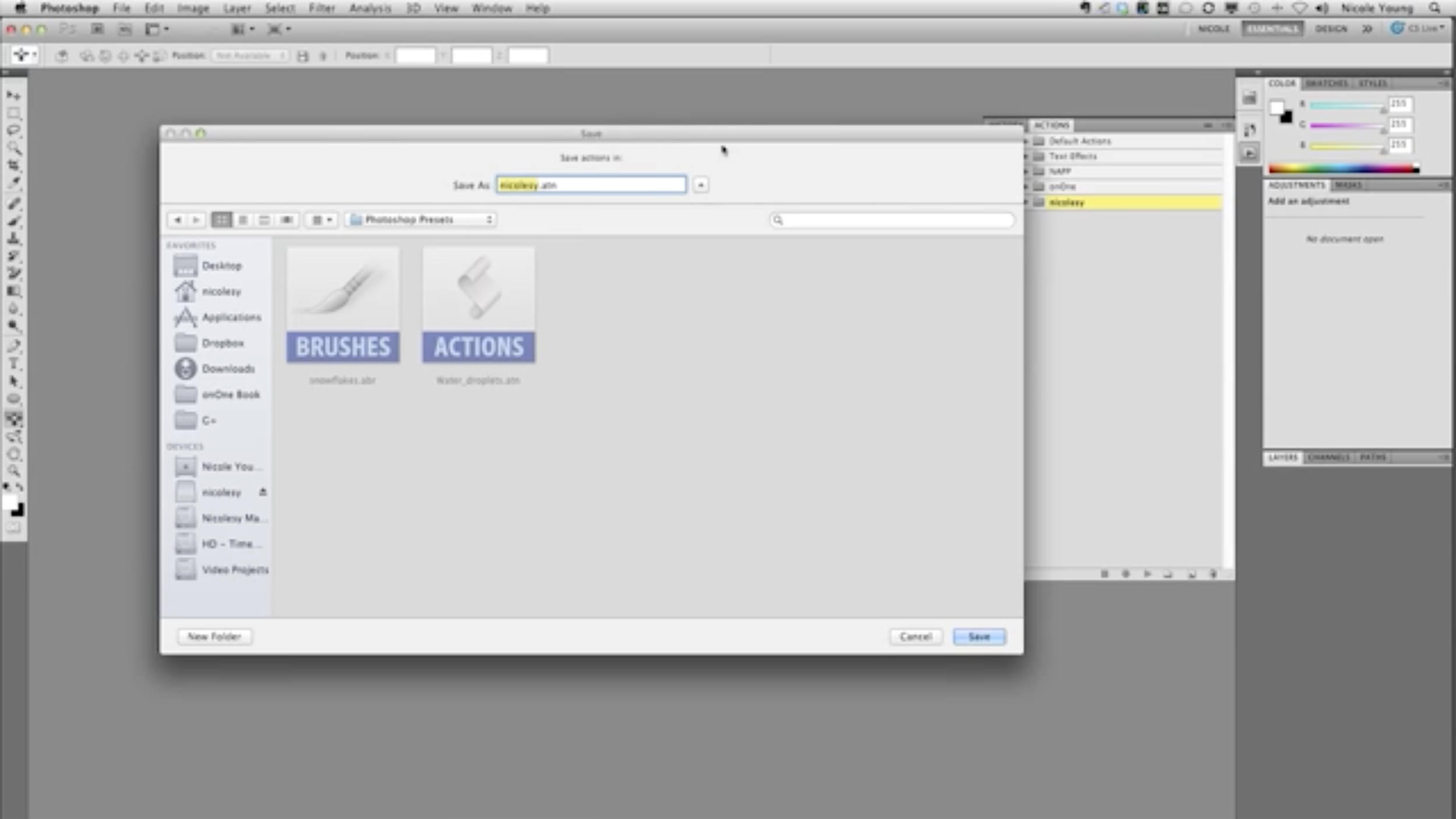
Have you ever reinstalled Photoshop, upgraded your version or switched computers and needed to transfer over your actions? This vide is for you! :) In this (very short) “Two Minute Tip” I show how to save actions from one version of Photoshop and load them into another.
You may also be interested in a “sister” video on how to transfer on how to transfer over your presets, like brushes/styles/etc.: http://youtu.be/d2L5xpGRpgU
Watch the Video
To view more Two Minute Tips video tutorials, please click here.
Have you ever reinstalled Photoshop, upgraded your version or switched computers and needed to transfer over your actions? This vide is for you! :) In this (very short) “Two Minute Tip” I show how to save actions from one version of Photoshop and load them into another.
You may also be interested in a “sister” video on how to transfer on how to transfer over your presets, like brushes/styles/etc.: http://youtu.be/d2L5xpGRpgU
Watch the Video
To view more Two Minute Tips video tutorials, please click here.

Nicole is a photographer, published author, and educator specializing in Lightroom, Photoshop, and photography. She is best known for her books on food photography but is widely versed in various photographic genres, including landscape, nature, stock, travel, and experimental imagery.


Thank you, that was so simple.
Thank you, that was so simple.
Awesome! Thank you! Right now I’m trying to import actions into Photoshop Elements 7. It worked before I upgraded my computer to Windows 7… *sigh*
Thanks for this great information
Thanks for this great information