

Nicole is a photographer, published author, and educator specializing in Lightroom, Photoshop, and photography. She is best known for her books on food photography but is widely versed in various photographic genres, including landscape, nature, stock, travel, and experimental imagery.





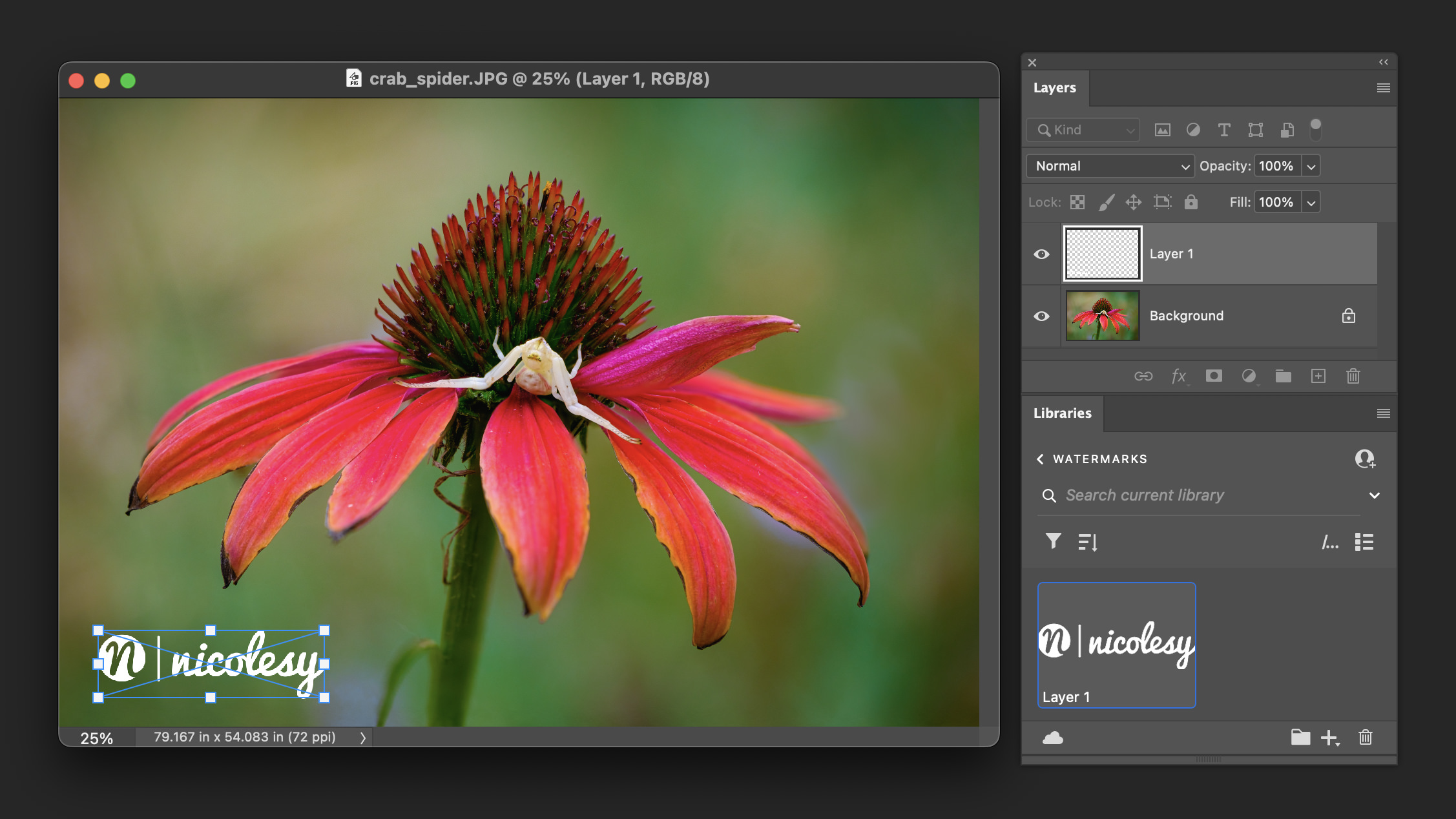


cool tip,
I dont like the LR copyright watermark, it changes automatically its size when exporting images vertically and horizontally. Here is an example:
http://www.facebook.com/pages/fotogalerie/270388246484?v=photos&ref=sgm#/album.php?aid=152973&id=270388246484
Your Two Minute Tips are great! I’m trying to learn Photoshop on my own through Lynda. com and Kelby Photo but not every instructor is easy to follow; you are! Thanks! :)
Very helpful! I especially like the luminosity tip. Thank you!
Hey Niki, Thanks!!
I’ve made an action out of this and, for anyone interested, have shared it at Hooked On Light.. (I hope the link works in this comment.)
Hmm. It visually looks like a link, but doesn’t go anywhere.
Let’s try this one: http://www.hookedonlight.com/2010/01/how-to-watermark-your-image.html
Really nice tip. You have all the great tutorials.
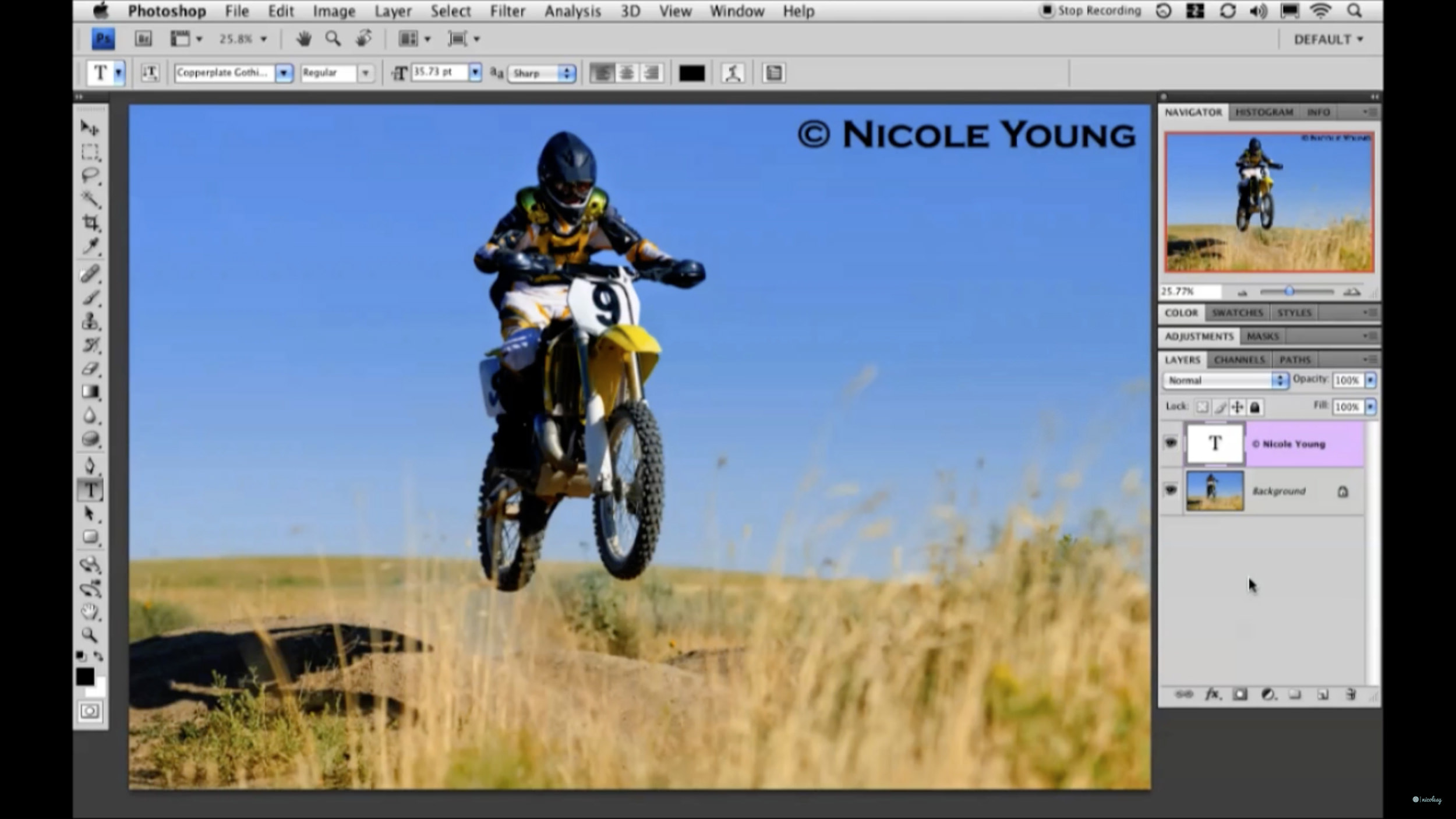
Thanks for the tips, I had been wondering how to make a copyright marking that fit in better with the photo rather than just having big ungly text.